
How to Easily Download Instagram Story Photos and Videos
Instagram Stories have become one of the most popular features of the platform, allowing users to share moments with friends and followers that disappear after 24 hours. However, there are times when you might want to save these memories for personal use or to share them outside of Instagram. In this article, we will explore how to download Instagram Story photos and videos easily, looking at some tools and methods you can utilize.
Understanding Instagram Stories
Instagram Stories are short-lived multimedia content that users post to their profiles. These stories can consist of photos, videos, and even live broadcasts, with the added functionality of text overlays, stickers, and various editing features. The ephemeral nature of Stories encourages spontaneous sharing, but it often leaves users wishing they could keep some of the content.
Why Download Instagram Story Photos and Videos?
There are several reasons why you might want to download Instagram Stories:
- Preservation of Memories: Sometimes, Stories capture moments you want to keep forever, such as events, celebrations, or travels.
- Content Creation: If you’re a content creator or influencer, you might want to save Stories from others for inspiration or to repost in your own content, with proper credit.
- Sharing with Friends: You might come across a Story that resonates with you that you want to share with friends who aren’t on Instagram.
How to Download Instagram Stories: Methods
Downloading Instagram Stories can be done through various methods. Below, we’ll explore some of the most effective ones.
1. Using Instagram’s Built-in Features
While Instagram doesn’t allow users to directly download Stories posted by others, you can save your own Stories. To do so:
- Open the Instagram app and go to your profile.
- Tap on your Story and then select the three dots at the bottom right corner.
- Select “Save” and choose to save your Story as a single video or save the entire Story to your camera roll.
This method only works for your own Stories and not for those of others.
2. Using Third-Party Apps and Websites
For downloading others’ Instagram Stories, third-party apps and websites can be quite useful. Here are a few popular options:
a. Story Saver Apps
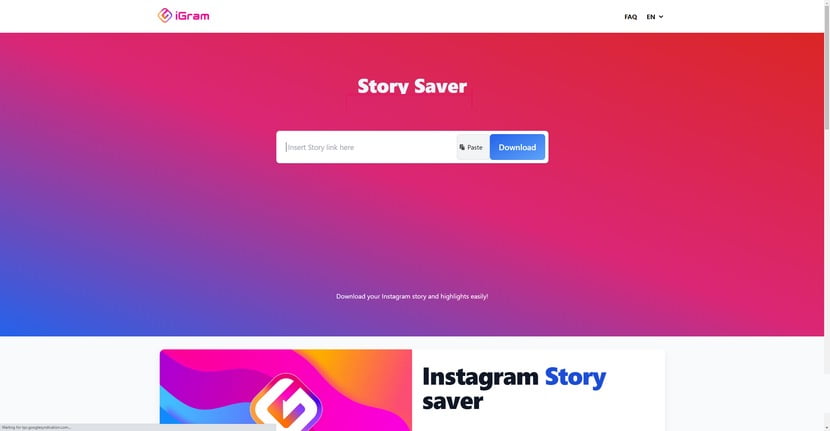
There are various mobile applications available on both Android and iOS that allow you to download Instagram Stories. Apps like Story Saver for Instagram and Story Reposter provide simple interfaces to download Stories efficiently. You simply need to log in with your Instagram account and browse through users’ stories to download what you like.
b. Online Downloaders
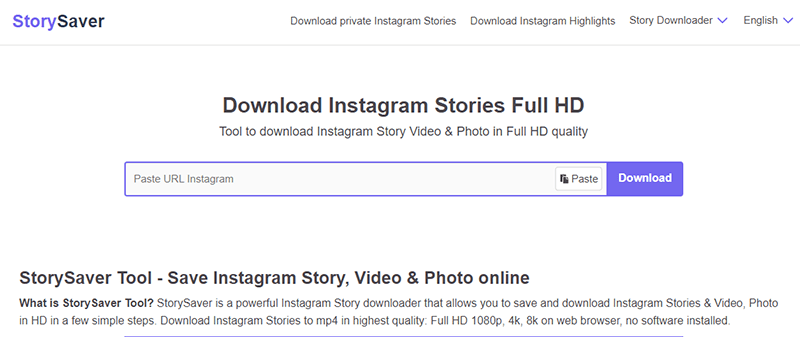
Web-based tools are also available, allowing you to download Instagram Stories without having to install any software. Websites like SaveAllInsta enable you to enter the username of the account whose Stories you want to download. Just follow these steps:
- Visit the website.
- Enter the username of the person whose Story you wish to download.
- Select the Story you want to save and click on the download button.
3. Screen Recording
Another way to capture Instagram Stories is through screen recording, which is built into most smartphones today. Here’s how:
- Begin playing the Story you wish to capture.
- Start your screen recording feature on your smartphone.
- Stop recording once the Story has played.
This method allows you to save not just images, but videos as well.
Legal and Ethical Considerations
When downloading Instagram Stories, it’s important to consider the legal and ethical implications:
- Permission: Always seek permission from the original content creator before downloading and sharing their content.
- Copyright Issues: Respect copyright laws and make sure you’re not infringing on an artist or creator’s rights.
- Use Responsibly: Use downloaded content responsibly and ethically, considering the impact on the content creator.
Conclusion
Downloading Instagram Stories can be a great way to preserve your favorite memories or share inspiring content with others. While there are several methods available, always remember to respect others’ intellectual property and seek permission when necessary. By following the outlined steps and using the tools provided, you can easily and efficiently keep a collection of the Stories that matter to you. Whether it’s for personal use or content creation, there is an option out there that will suit your needs!
As Instagram continues to evolve, new features and tools may become available, changing the way we interact with Stories. Keep an eye out for updates and enjoy your Instagram experience to the fullest!
